NewsPublished:
Gemini app can now make GIFs with Gemini Omni 1.2 Flash
Google adds a GIF format to the Gemini app: short looping clips from prompts or photos, free in the U.S., Japan, Korea and five more countries.
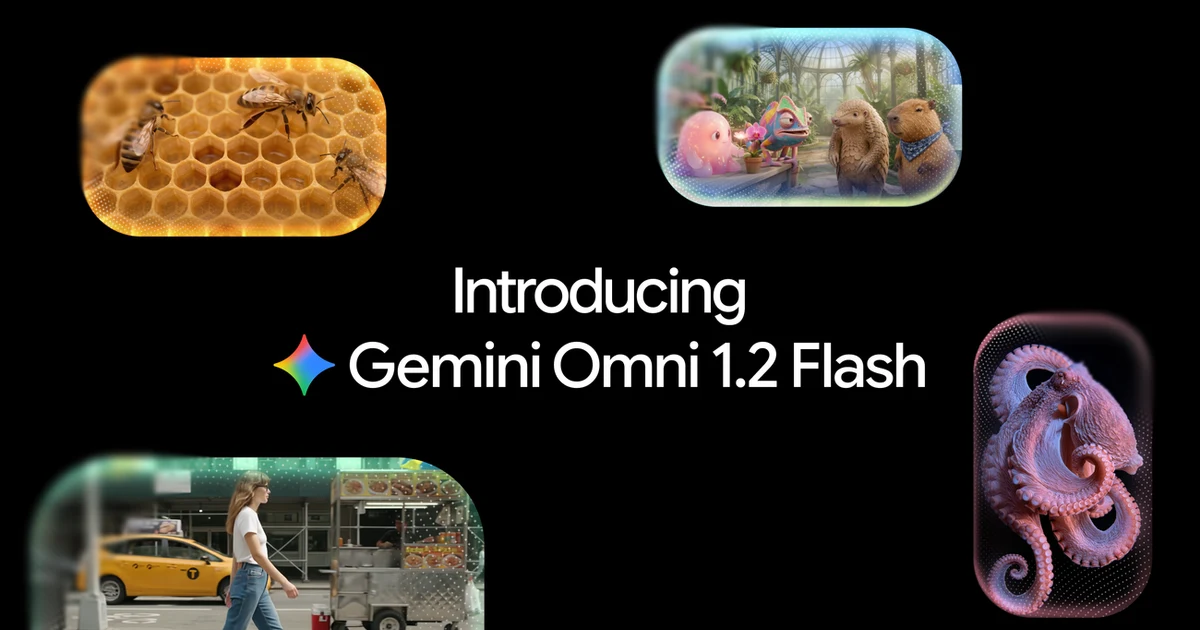
Google has added a GIF format to the Gemini app. In a pair of posts from the official Gemini account on November 20, the company said you can now make short looping GIFs from a text prompt or a photo, powered by its newest video model, Gemini Omni 1.2 Flash.
How it works
You start the way you would with any image or video request: type a prompt in the main chat, or pick the image or video tool. Then choose GIF in the format picker and describe what you want. Google's pitch covers looping photo effects and meme-style reaction clips, and the finished file can be copied straight into a chat or saved as a regular .gif.
Who gets it
Google says GIFs are available to all Google AI subscribers, and free of charge, in the U.S., Japan, Korea, Australia, Canada, the U.K., Germany and France. The clips are short, around three seconds, which is exactly the length a reaction GIF needs.
My take
Reaction GIFs are half of how fandom talks online, so this lands right in our corner of the internet. The part I'll be watching is how people use it: making a custom loop of your own photo or original character is fun, but feeding it screenshots of someone else's anime is a different matter, and I'd rather see the official studio clips get the shares.
Read the announcement on the official Gemini account.
Source: x.com